

League matches are all wrestled in the War Zone format created by WrestlingTournaments.com. To wrestle in our league matches you need to do 3 things:
Register a Wrestler (create an athlete profile)
Register for the South Hills Youth Wrestling League in the app
Register your wrestler for individual league matches and tournaments
This article will show you how to do all three for new wrestlers and wrestlers already registered from previous seasons..
Register a New Wrestler
If your wrestler is new or has not wrestled in the War Zone format, you’ll need to register them as an athlete first.
Follow this link: https://www.wrestlingtournaments.com/userAuthentication and click the black create an account button.
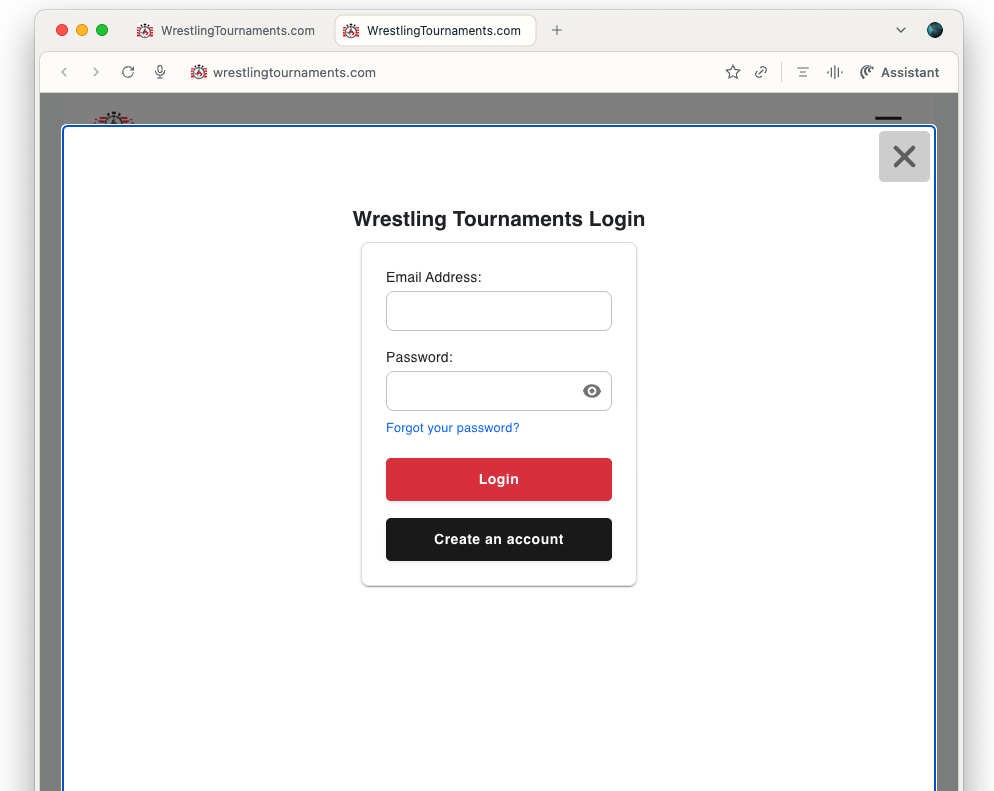
You’ll be asked to use an email and a password. Once done - you’ll be sent an email confirmation to verify your account. Click that link in the email and your account will be setup.

Now it’s time to create your wrestler. Visit this link.
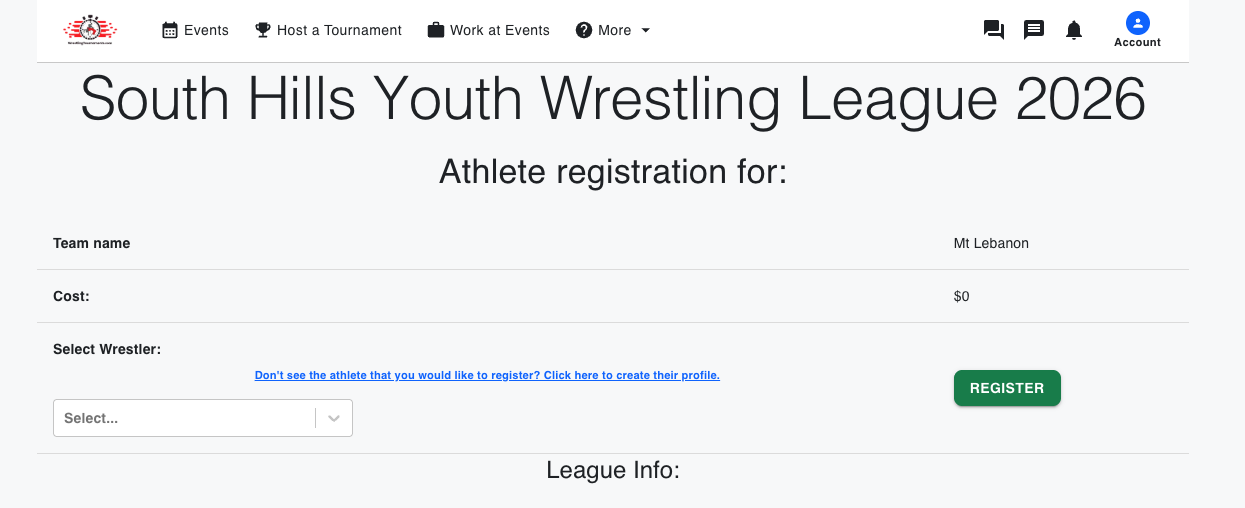
Select the blue link option “Don't see the athlete that you would like to register? Click here to create their profile.”
You’ll visit a profile creation screen where you’ll fill your wrestler’s profile information and click checkboxes to accept terms and conditions.
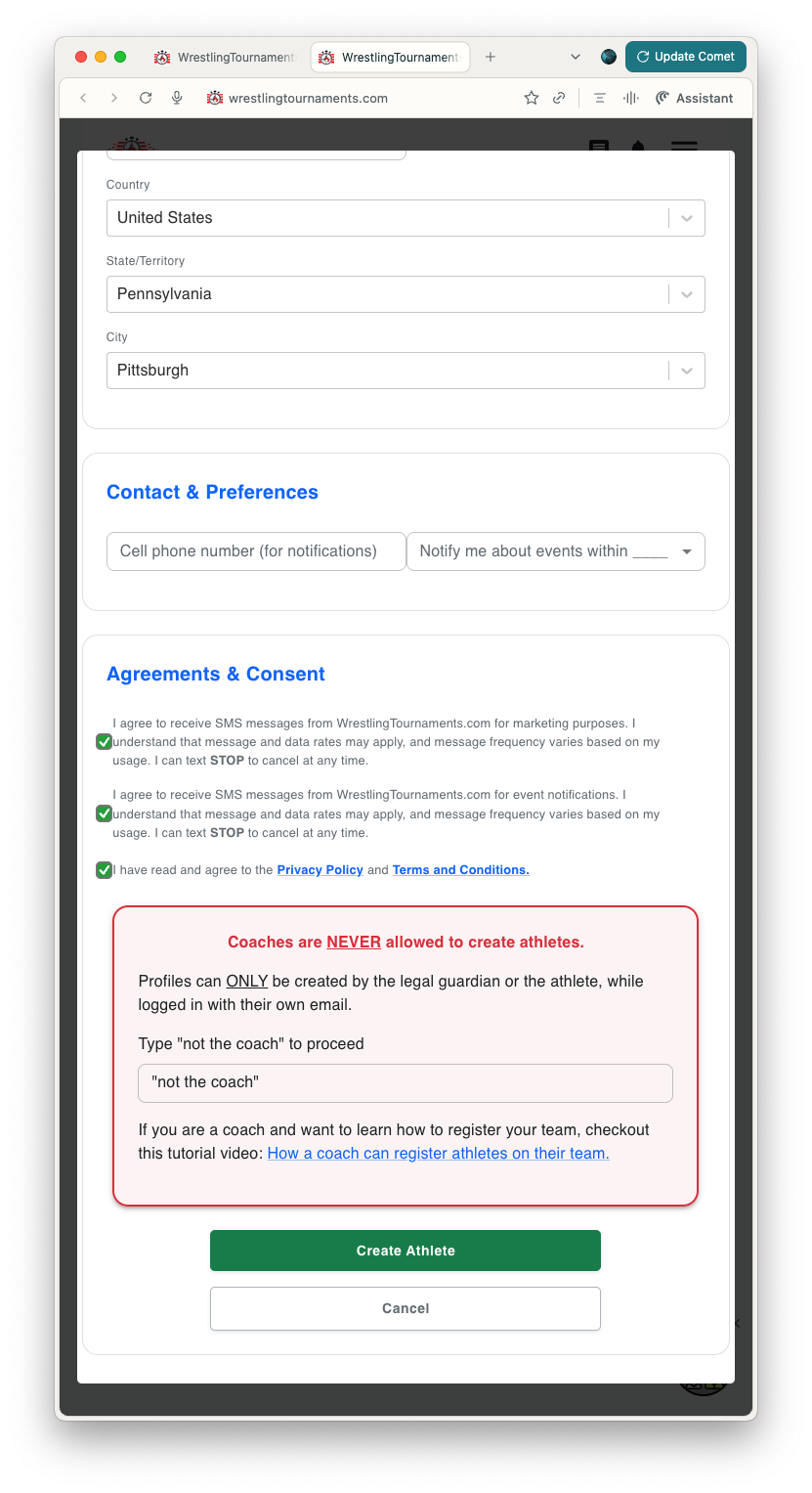
Once all fields and boxes are complete, you’ll get a green Create Athlete button and you can complete the profile. Registering a new athlete costs $10. The fee is paid to the War Zone app company.
When done, you’ll be taken to your athlete management page and you’ll see your newly registered athlete there.
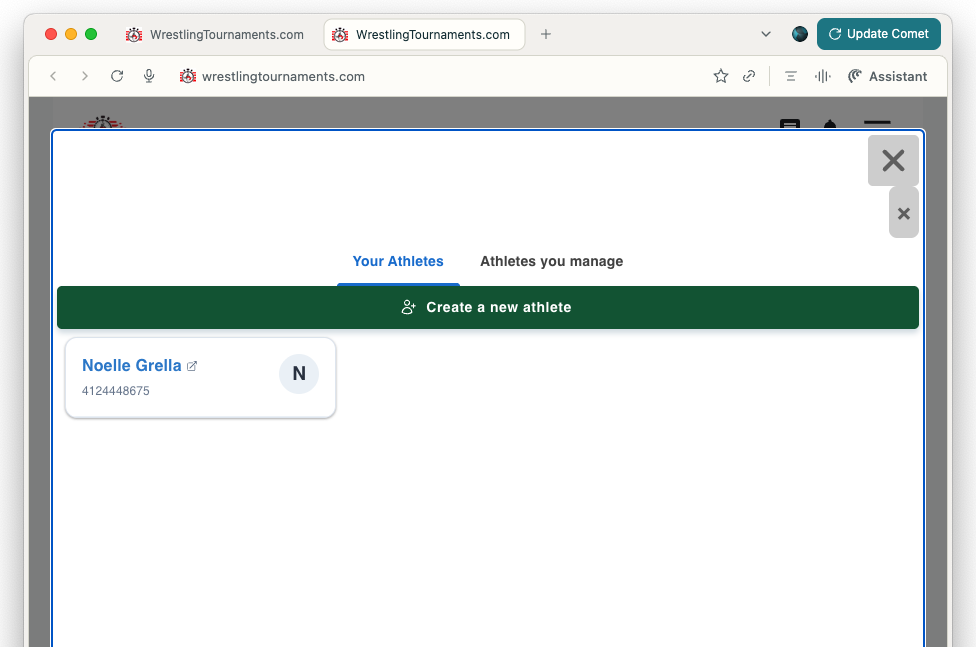
Now you’re ready to register for the current season. Continue on with the instructions below.
Registering an Existing Athlete
If you already have a wrestler profile created from War Zone events last year, you only need to register that wrestler for this year’s league tournaments.
Follow this link and login if you’re not already logged in.
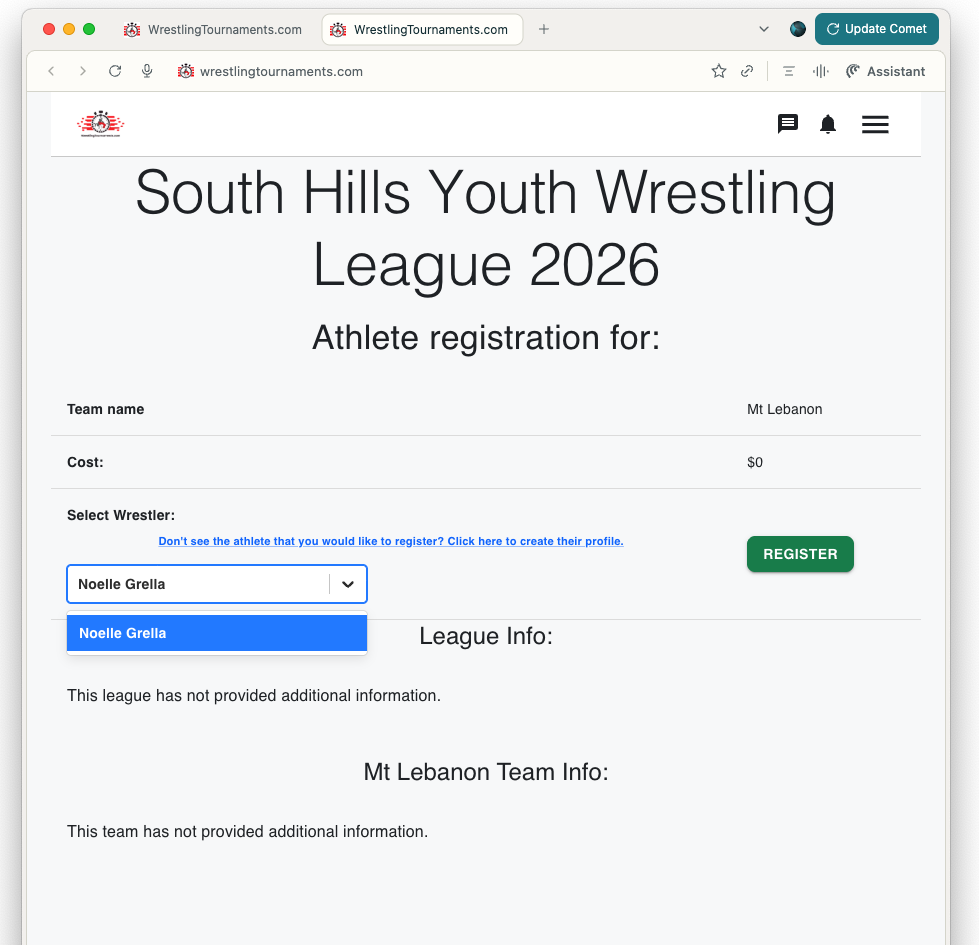
You’ll see the title for our league with the 2026 season. You should also see a dropdown for your existing wrestler. Click their name and then the green register button.
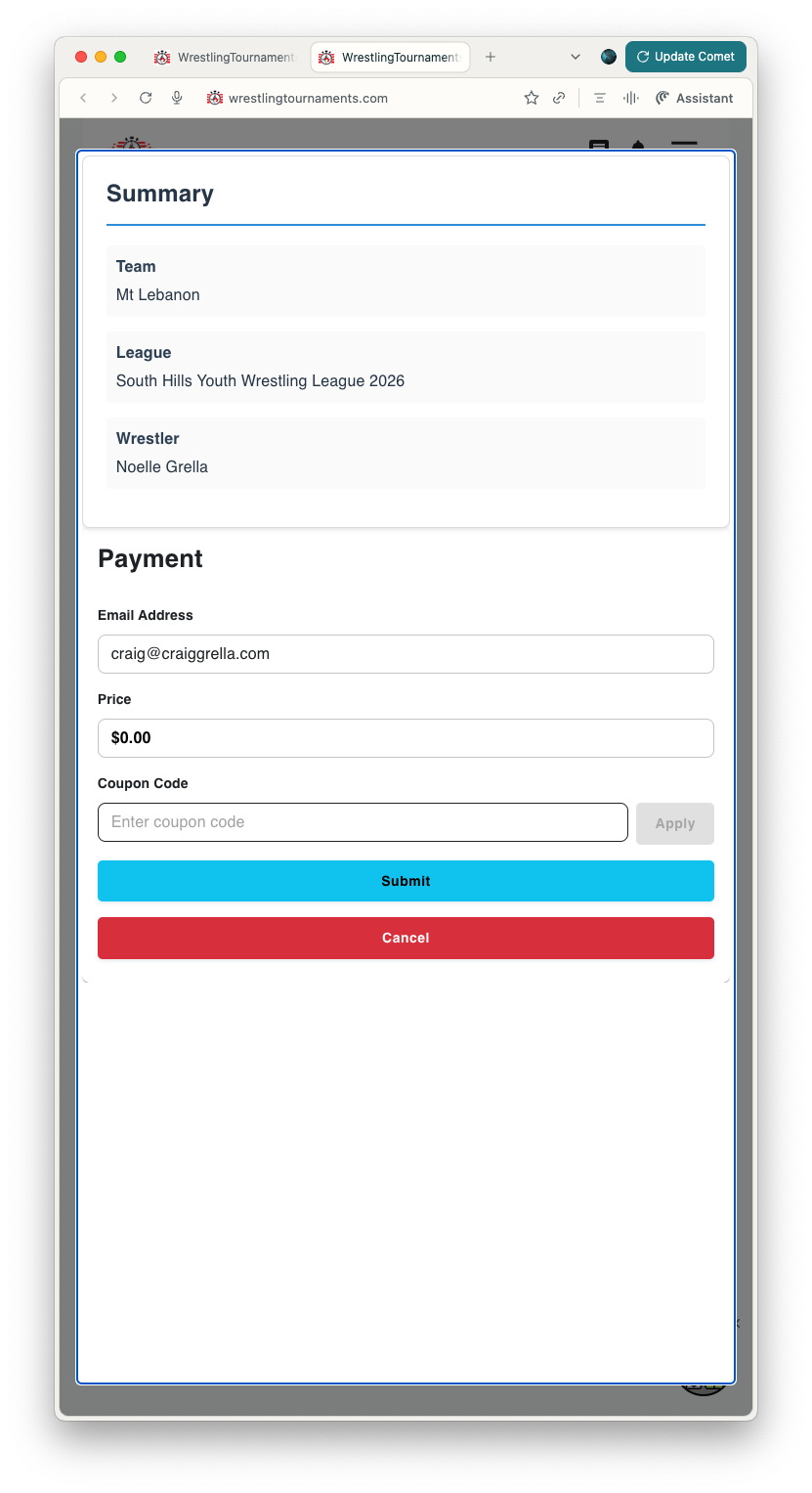
The next page will show a summary of the wrestlers you are registering, the Team, and league. Click the blue submit button. There is no payment required for registration of an existing at this time.
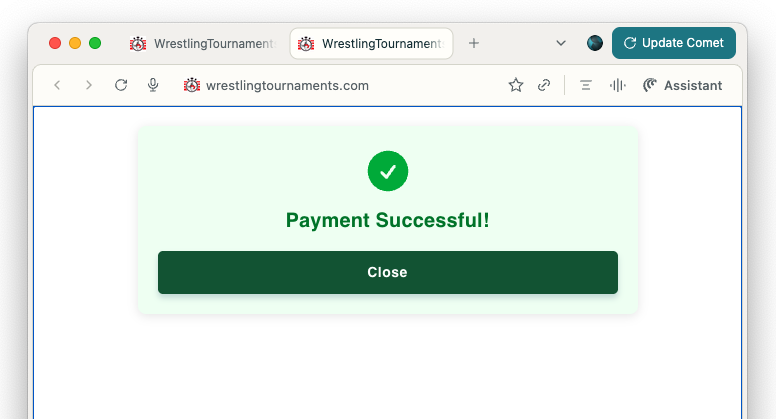
You should see a Payment successful button when the process has been completed.
Now it’s time to register for specific league matches and events. Follow the instructions below.
Registering for Individual League Matches and Tournaments
Once you’ve created your athlete and registered for the season you can register for individual league matches and tournaments. Remember, we also ask that in addition to doing official registration that you also mark attendance on Spond. It helps us ensure the best coaching coverage for the event.
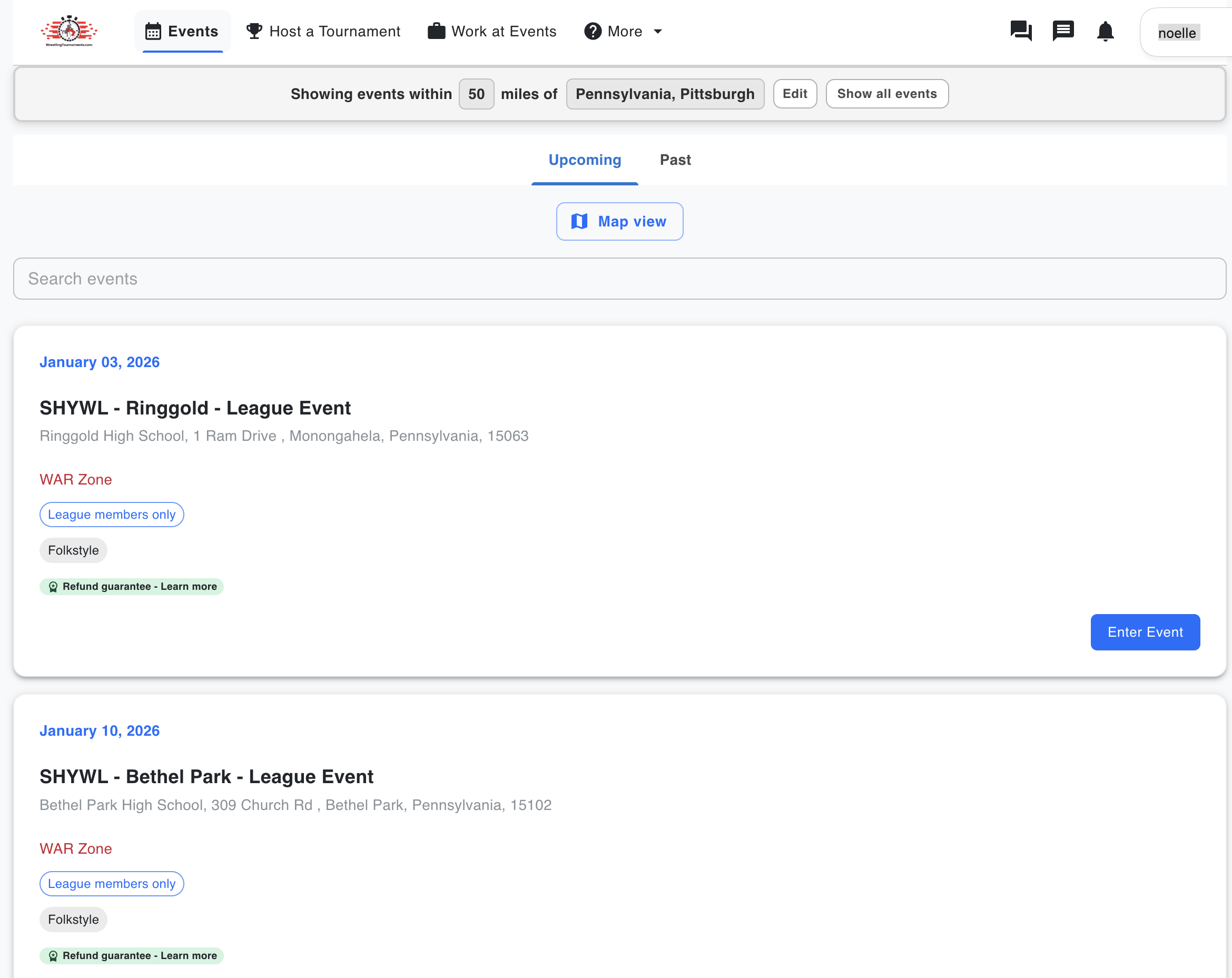
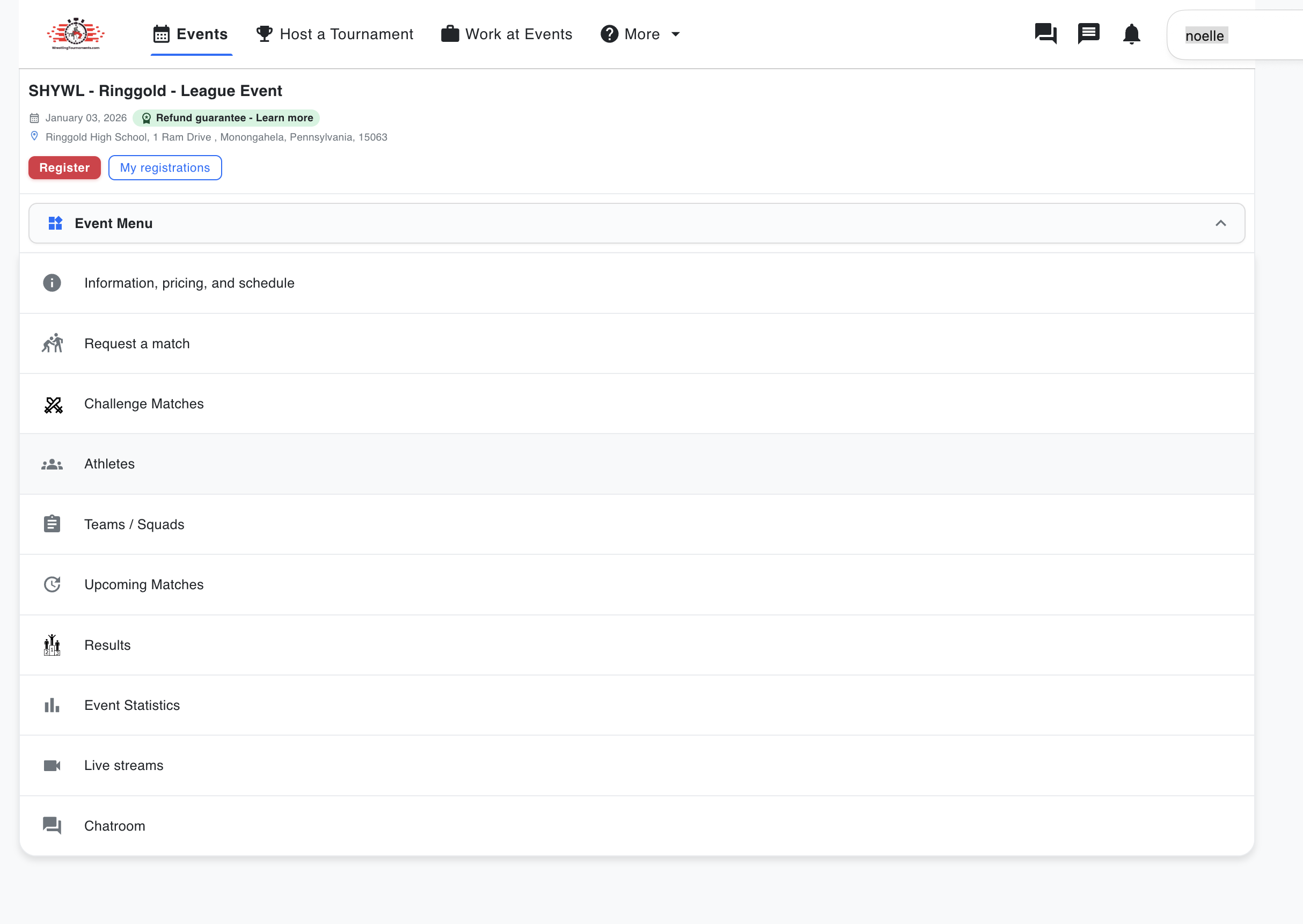
To start, visit the wrestlingtournaments.com website. From any page, click on EVENTS in the upper menu. There, you’ll be presented with a list of upcoming events. Scroll or search and click the ENTER EVENT button to view event details.
From the event details page, click the REGISTER button to register your wrestler for that event.
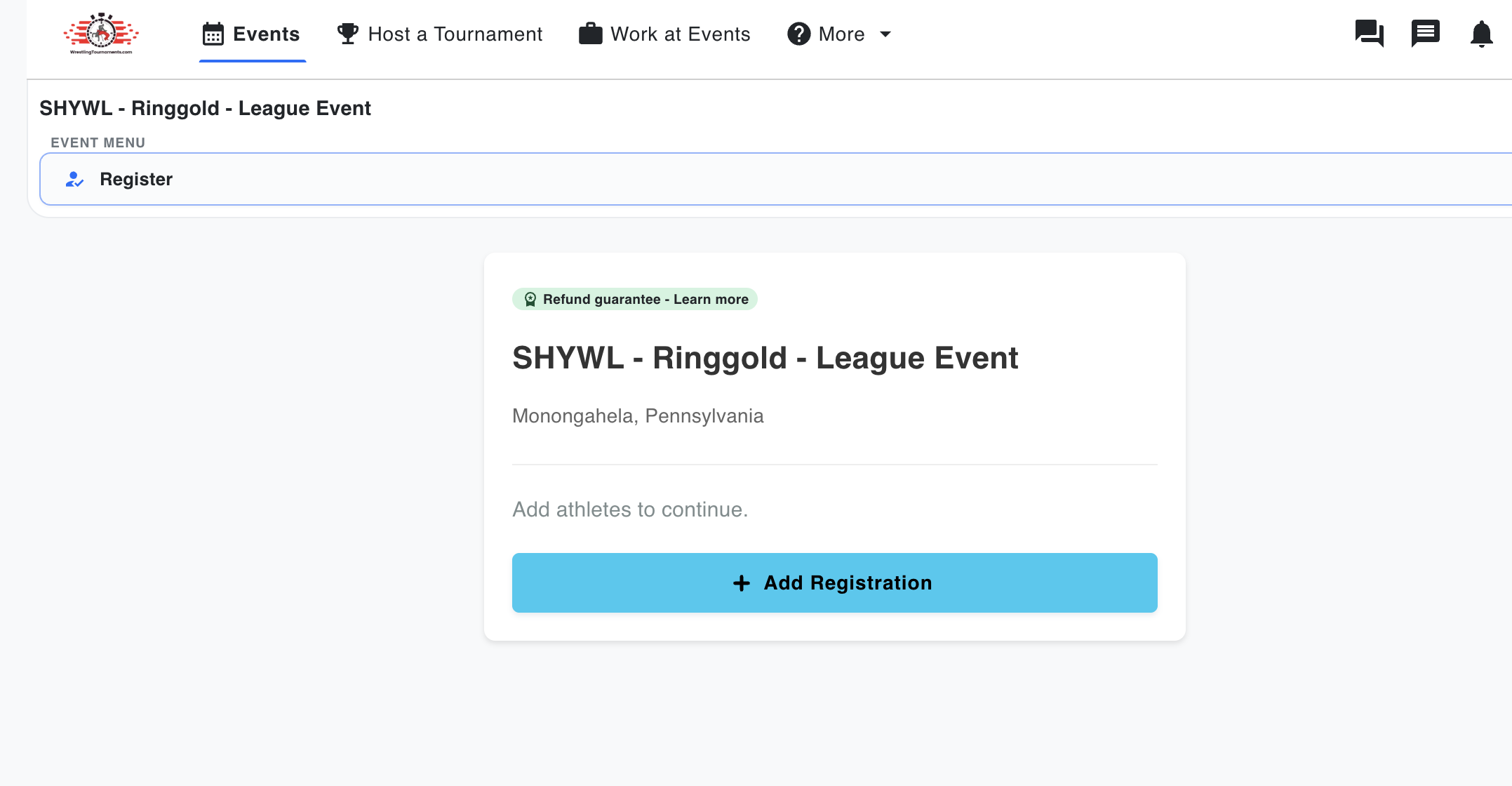
Click the ADD REGISTRATION button and you’ll then be presented with a window that allows you to choose your registered wrestler.
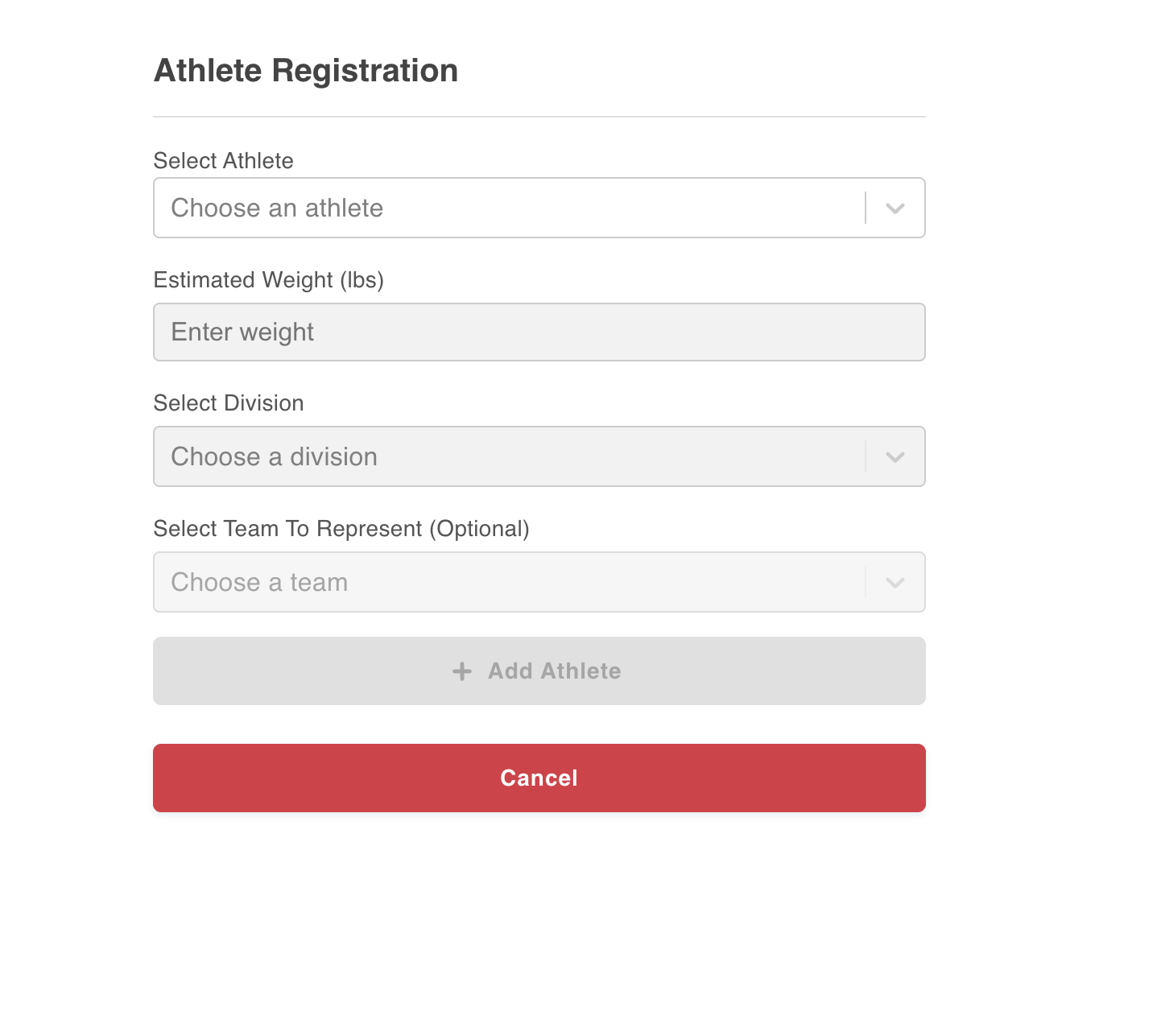
Choose your athlete from the dropdown list. Enter their estimated weight. Remember, the league will send you official weight in times the day before the event. You’ll weight in the day of the event and start wrestling soon thereafter. Be as accurate as possible with your weight.
Choose division from the drop down - you should just see War Zone as an option. The team selection should auto default to Mt Lebanon.
When all your information has been added, select the + ADD ATHLETE BUTTON and it will add that athlete to the registration.
You’ll get a confirmation screen showing the athlete(s) you’ve just added. From this screen, you can add additional wrestlers if you have several athletes you manage.
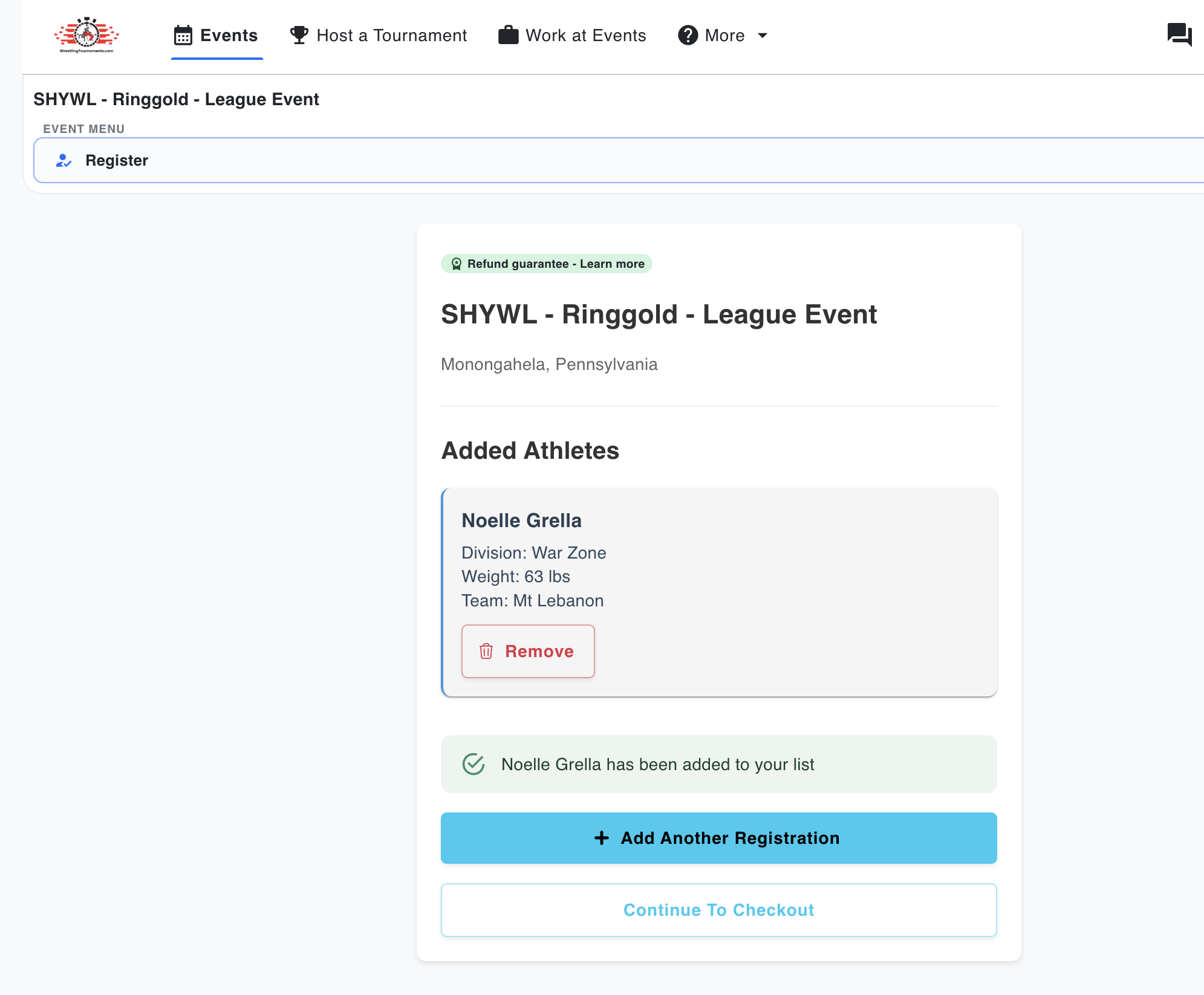
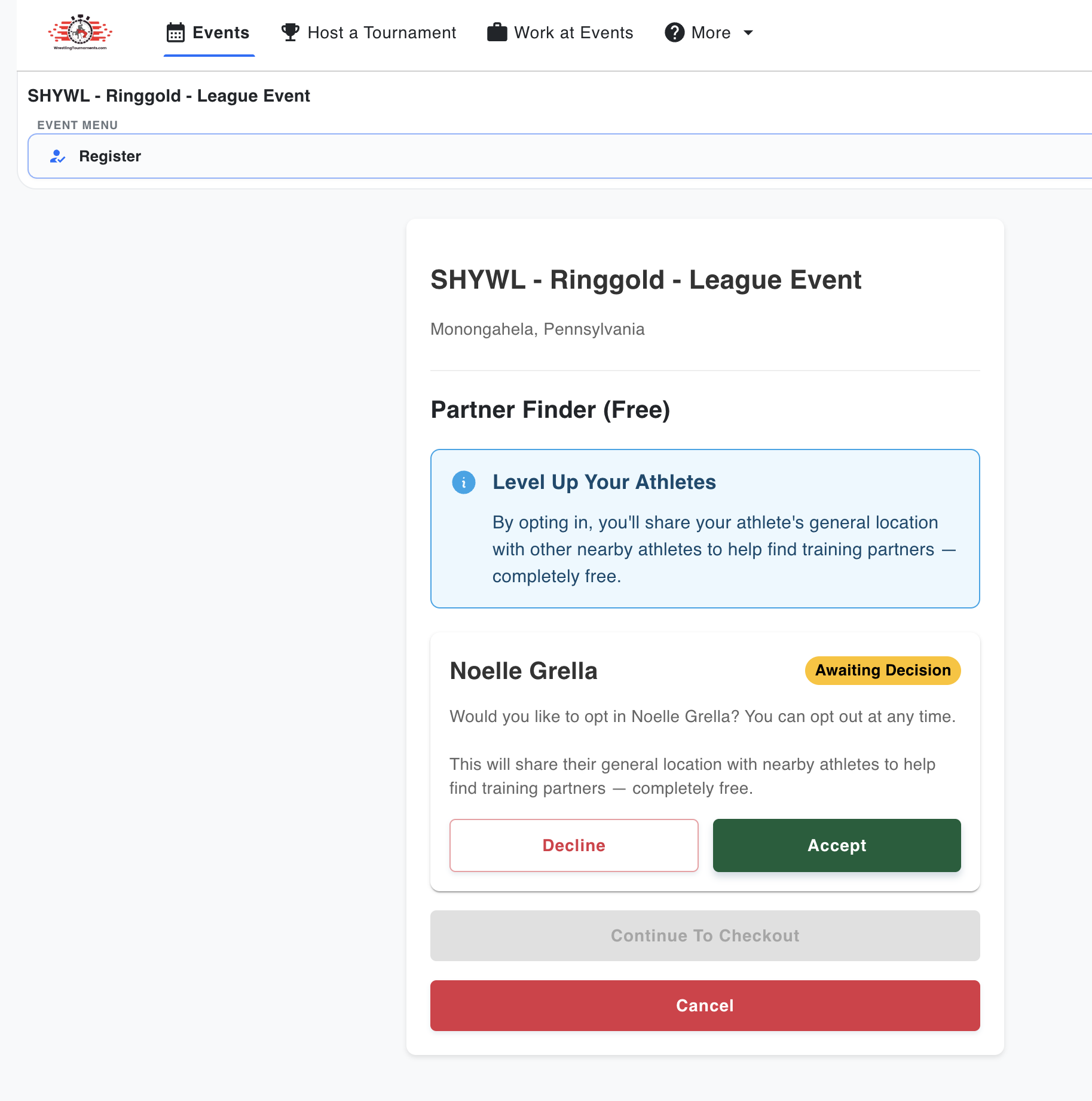
When you are finished registering wrestlers, click the CONTINUE TO CHECKOUT BUTTON. You’ll be presented with a Level Up window. You can decline this and move to next step.
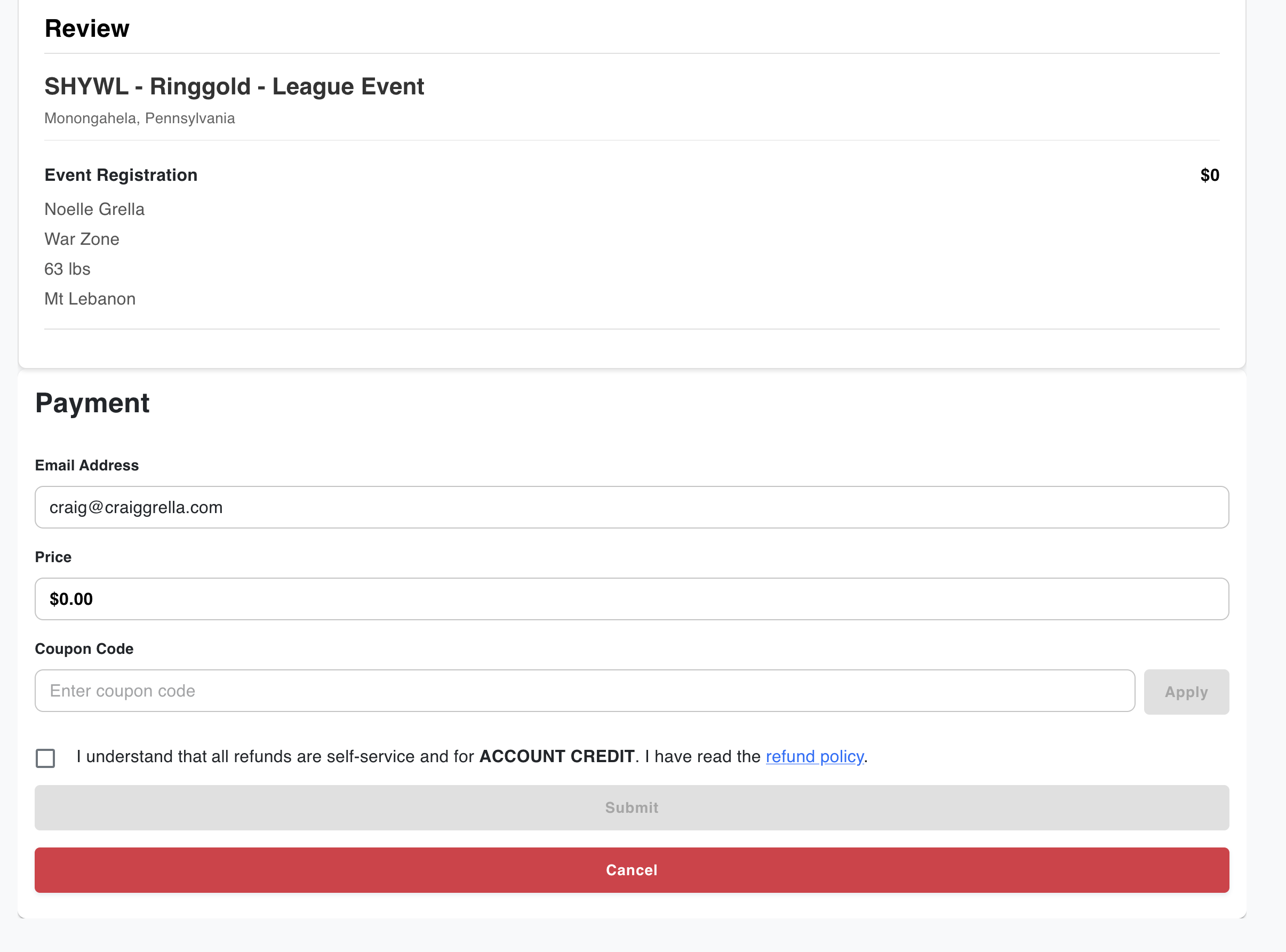
The payment screen will show. There is no payment required for league matches. Click the check box at the bottom and then the SUBMIT BUTTON.
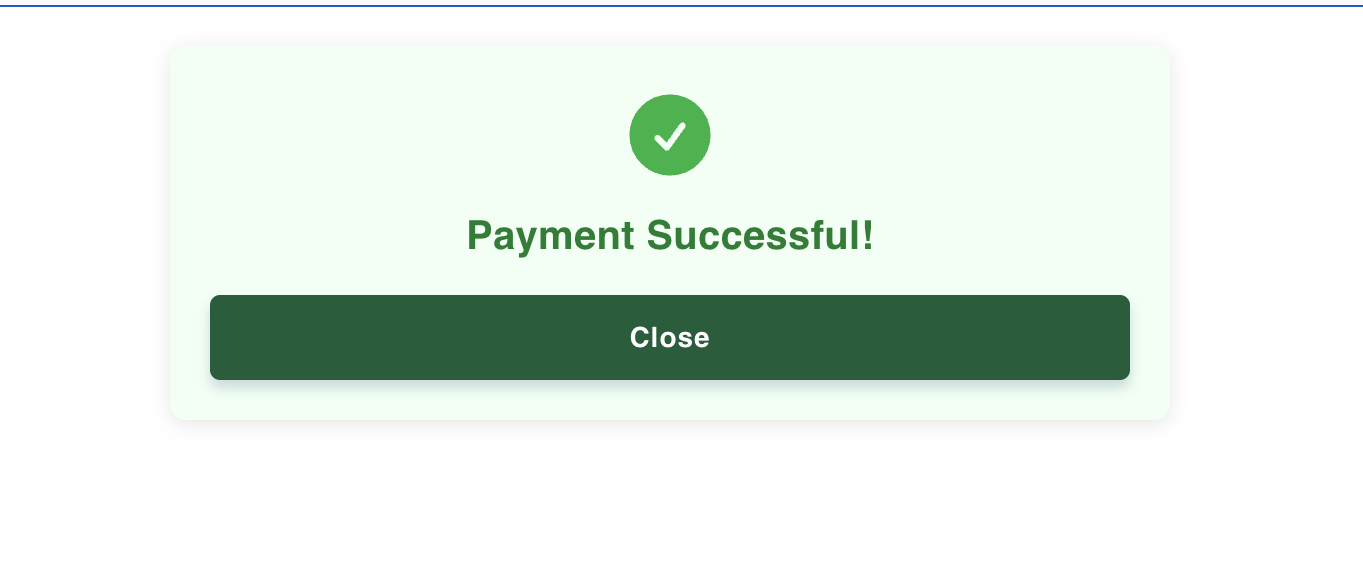
You’ll see a payment successful screen and then be forwarded to a confirmation page showing the wrestler registration for that specific event.
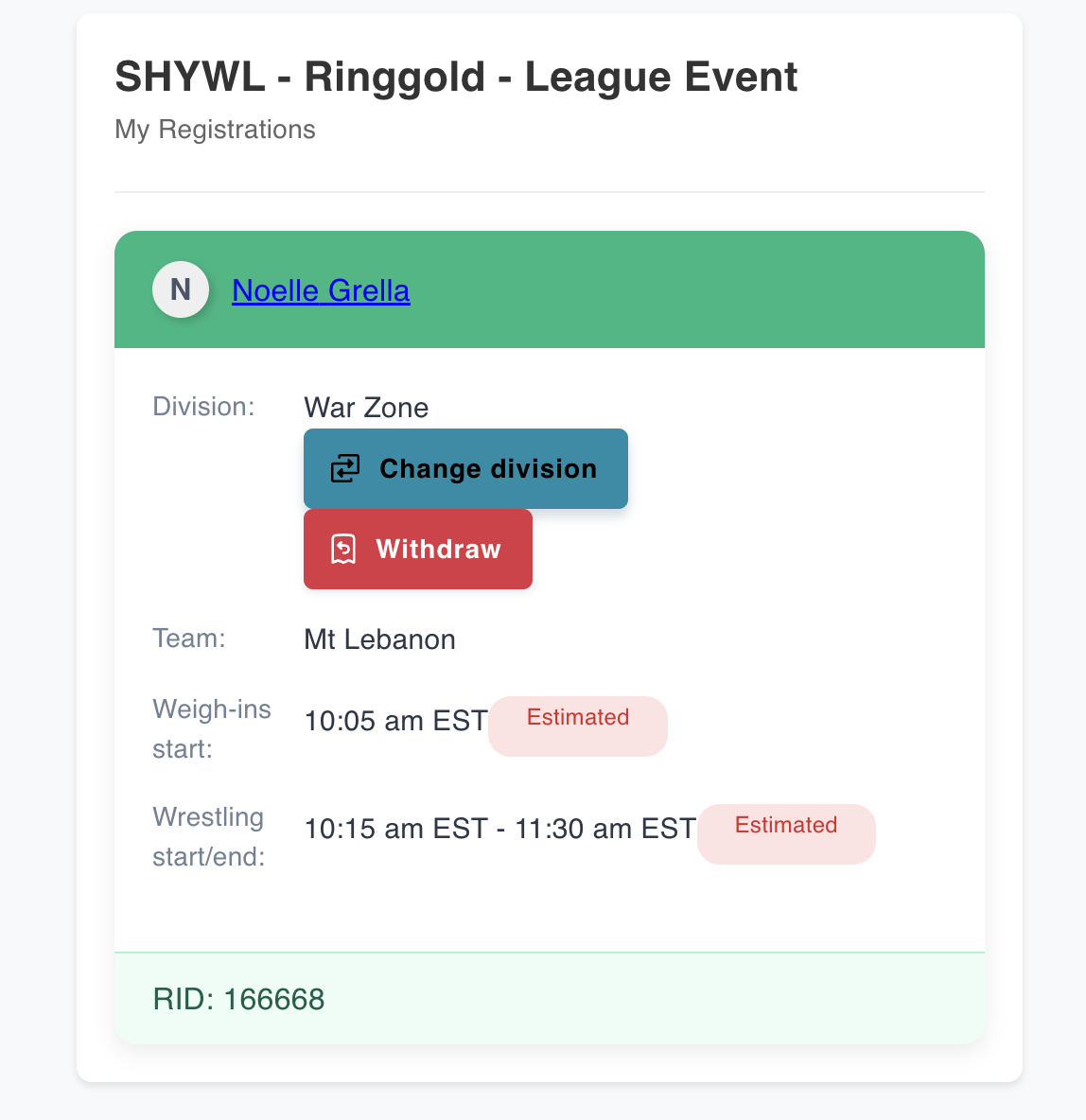
You’ll also notice the estimated weigh-in time and wrestling start time. Please note that this time could change. If it does, you’ll be notified the day before the event.